
Costs rise with access
More client users can mean more seats to manage.
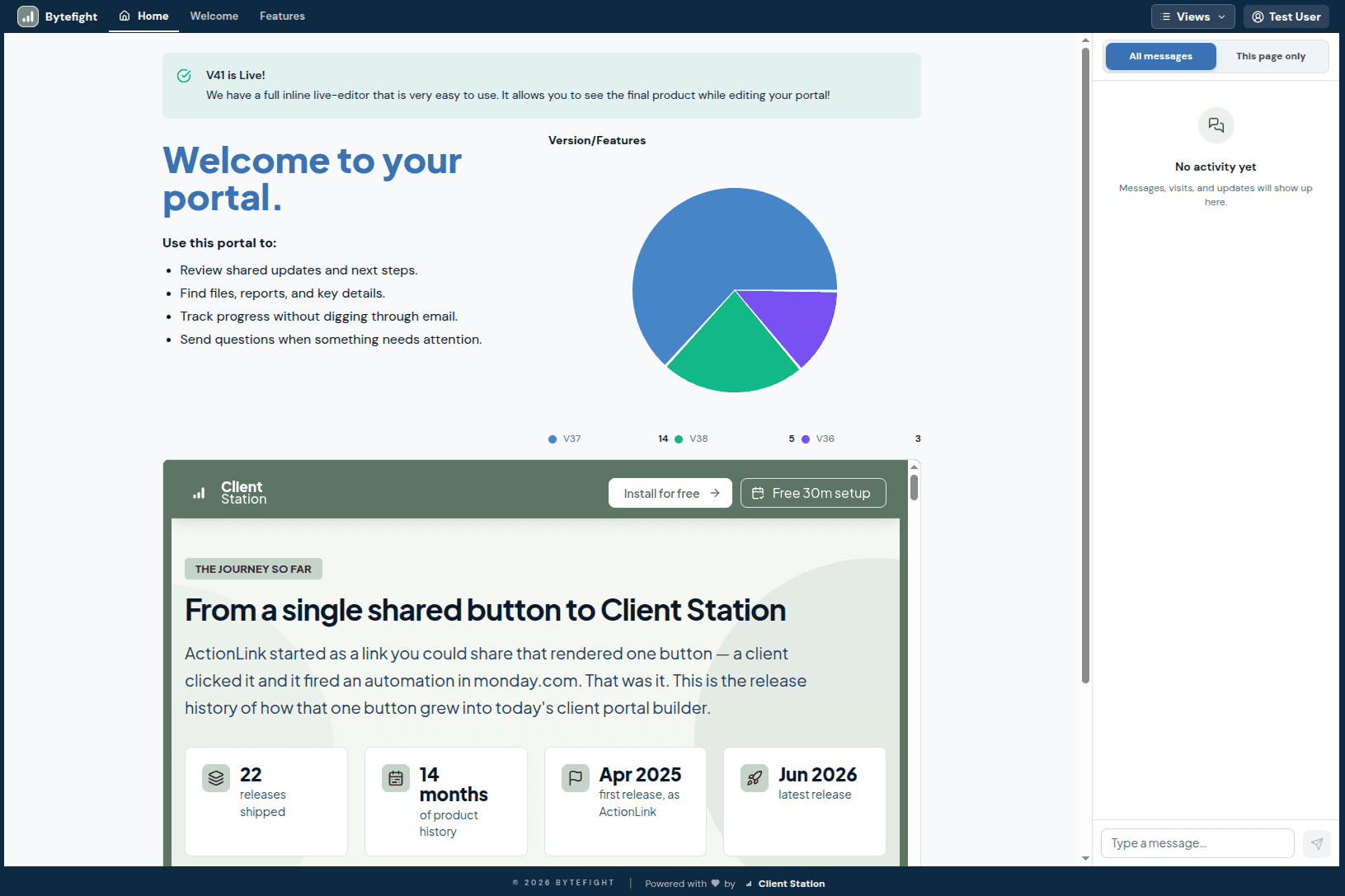
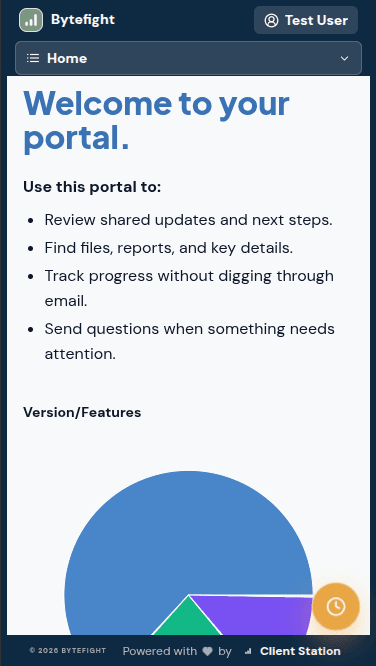
Give external parties secure access to only what you allow them to see. Create a shared station to keep them in the loop and allow them to participate.
More client users can mean more seats to manage.
Shared boards expose structure clients should not navigate.
They face another login and an unfamiliar workspace.
Use your logo, colors, and client-friendly language for a workspace that feels like your own.
Keep every client on one board while showing each client only the items and fields meant for them.
New clients appear from your monday data automatically, without another portal record to create and maintain.
Build useful client views with charts, Gantts, files, forms, conversations, actions, and custom blocks.
A robust cache and smart buffering keep live portal data responsive as your client count grows.
Quick answers
No. Your team works in monday and clients use their Station. They get a focused client experience without joining your monday workspace.
Yes. Client Station provides its permission-controlled client layer on any monday.com account tier.
Only the items, fields, files, views, and actions you publish for that client. Other board content stays private.
No. Client Station can recognize clients from your monday data and make them available without repeating portal setup.
Yes. Portals can include charts, Gantts, files, forms, conversations, actions, and other interactive custom blocks.
It is free to install with a 14-day trial. Client access does not require buying monday guest seats for every client user.